
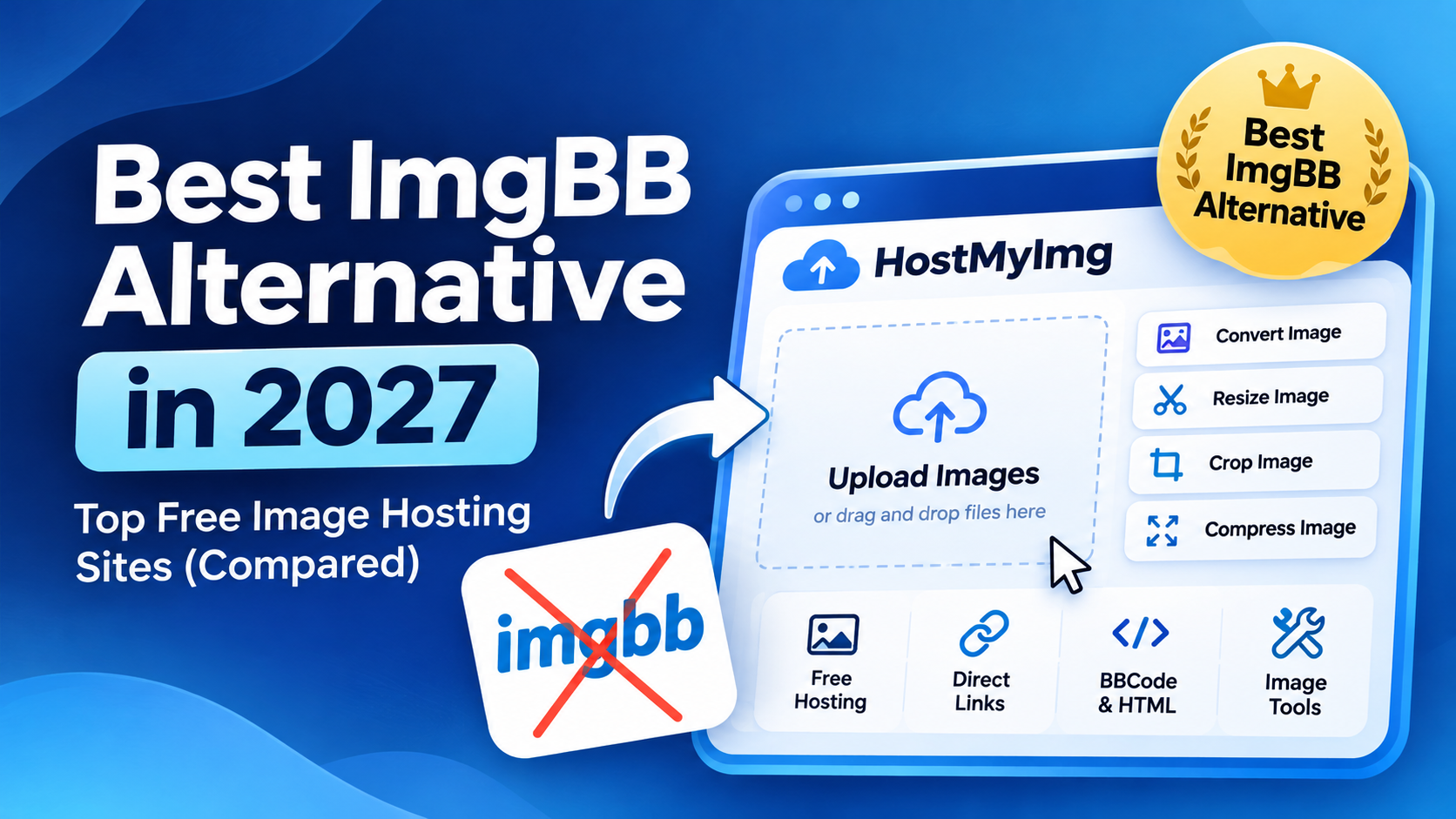
Quick Answer: HostMyImg.com is our top choice for an ImgBB alternative. It offers free image hosting, direct image links, BBCode, HTML embed codes, and anonymous uploads. Unlike a basic image host, HostMyImg also provides tools to convert, resize, compress, and edit images, making it useful for people who need more than image sharing.
ImgBB is a popular website for uploading and sharing pictures. However, you might be looking for another image hosting service with additional tools, a different interface, or a simpler way to work with your photos.
In this guide, we compare five ImgBB alternatives, explain what makes each one useful, and help you choose the right image host for your needs.
5 Best ImgBB Alternatives in 2027
Here are five websites worth considering if you want an alternative to ImgBB.
- HostMyImg: Best for free image hosting with editing and conversion tools.
- Postimages: Best for sharing pictures on forums.
- Imgur: Best for public image sharing and communities.
- ImagePaste: Best for sharing screenshots and temporary images.
- Flickr: Best for photography and photo collections.
1. HostMyImg: Best Overall ImgBB Alternative
HostMyImg is a free image hosting website that makes uploading and sharing pictures simple. You can upload an image without creating an account and receive different types of links for sharing it online.
What makes HostMyImg especially useful is its collection of online image tools. Instead of visiting separate websites to host, convert, or edit pictures, you can handle these tasks within the same platform.
Why Choose HostMyImg Over ImgBB?
Free image hosting: Upload pictures and generate links that you can share with other people.
No account required: Start uploading images without signing up or providing an email address.
Direct image URLs: Get a link to the image file for sharing or embedding on supported websites.
BBCode and HTML: Copy ready-made codes to display images in forums, blogs, and web pages.
Image conversion: Use the available converters to change supported images between formats such as JPG, PNG, WebP, and AVIF.
Image editing: Access tools to crop, resize, rotate, compress, and make other adjustments to your pictures.
Image Hosting and Conversion in One Place
One reason to choose HostMyImg is that image hosting is only part of what the website offers.
For example, imagine you have a JPG image that you want to share online. You can upload it to HostMyImg and copy its direct link. If you also need a WebP version for your website, you can use the online image tools to convert the image.
You can also resize pictures for websites, crop unwanted areas, compress large files, or remove EXIF metadata using the appropriate tools.
This combination is particularly helpful for bloggers, website owners, developers, forum users, and anyone who works with images regularly.
Best for: People who want free image hosting and additional image tools in one website.
2. Postimages: Best for Forum Image Hosting
Postimages is another well-known alternative to ImgBB. It focuses on uploading images and generating links that can be shared on websites and discussion forums.
After uploading a picture, you can choose from different sharing options, including direct links and codes for embedding images.
Postimages is a practical choice for people who regularly post pictures on online forums. Its straightforward upload process makes it easy to share photos without complicated steps.
Best for: Forum users who need direct image links and BBCode.
3. Imgur: Best for Image Sharing Communities
Imgur is a popular image sharing platform that combines image hosting with community features.
People use Imgur to share memes, screenshots, GIFs, and other visual content. It is especially familiar to users of Reddit and other online communities.
Unlike a simple image hosting tool, Imgur also provides ways to discover and interact with public content.
However, if your main goal is to upload a picture, get a direct URL, and work with image conversion tools, a service like HostMyImg may be a better fit.
Best for: Sharing images and discovering content through an online community.
4. ImagePaste: Best for Quick Screenshot Sharing
ImagePaste is designed for people who want to turn screenshots and pictures into shareable links quickly.
Its clipboard upload feature makes it convenient to paste a screenshot directly into the website instead of saving and selecting a file first.
ImagePaste also supports temporary sharing. Anonymous uploads have a limited retention period, making the service useful for screenshots that are only needed for a short time.
Best for: Sharing screenshots, bug reports, and temporary pictures.
5. Flickr: Best for Photographers
Flickr is a photography-focused platform where users can upload, organize, and share their photos.
It offers features that are useful for photographers, including photo collections and community interaction.
Flickr is different from basic image hosting services because it focuses more on photography and managing collections than generating quick image links.
Best for: Photographers who want to organize and showcase their work.
ImgBB Alternatives Comparison
The table below compares the main uses of these image hosting services.
| Website | Main Strength | Best For |
|---|---|---|
| HostMyImg | Image hosting, editing, and conversion | Everyday image tasks |
| Postimages | Direct links and forum codes | Forum sharing |
| Imgur | Community image sharing | Memes and public posts |
| ImagePaste | Clipboard uploads and temporary sharing | Screenshots |
| Flickr | Photo collections | Photography |
How to Choose the Best ImgBB Alternative
Not every image hosting website offers the same features. Before choosing an alternative to ImgBB, consider the following points.
1. Direct Image Links
If you want to display pictures on a website or forum, choose a host that provides direct image URLs. These links point to the image file rather than only to a viewing page.
2. Account Requirements
Some services offer additional features when you register. If you prefer quick uploads without creating an account, look for an image host that supports anonymous uploads.
3. Image Quality
Check whether the hosting service changes or compresses uploaded pictures. If you need the original file, compare the downloaded image with the one you uploaded.
4. Image Editing Tools
If you regularly resize, crop, or convert pictures, an image hosting website with built-in tools can save time. HostMyImg offers a collection of image converters and editors alongside its hosting service.
5. Image Storage and Expiration
Some image hosting websites offer temporary uploads, while others have different storage and deletion policies. Check the service's terms before using hosted images for important long-term projects.
How to Upload Images Using HostMyImg
Getting started with HostMyImg is simple:
- Visit HostMyImg.com.
- Select the image you want to upload.
- Upload your picture using the image hosting tool.
- Copy the direct image link, BBCode, or HTML embed code.
- Share the link or use the code on your website or forum.
If you need to change the image format or dimensions, visit the HostMyImg image tools and choose the appropriate converter or editor.
Frequently Asked Questions About ImgBB Alternatives
What is the best ImgBB alternative?
HostMyImg is our top recommendation for an ImgBB alternative because it combines free image hosting with online editing and conversion tools. You can upload images without an account and get direct links, BBCode, and HTML embed codes.
Is there a free alternative to ImgBB?
Yes. HostMyImg, Postimages, and other image hosting services provide free options for uploading and sharing pictures. Features and usage limits may differ between websites.
Can I upload images without creating an account?
Yes. HostMyImg supports anonymous image uploads, so you can upload a picture and generate sharing links without registering.
Which ImgBB alternative offers image conversion tools?
HostMyImg provides image hosting alongside tools for converting supported image formats, including JPG, PNG, WebP, and AVIF. It also offers image editing, resizing, cropping, and compression tools.
Can I get a direct image URL without ImgBB?
Yes. You can use HostMyImg to upload a picture and get a direct image URL. The website also provides BBCode and HTML embed codes for sharing images on forums and web pages.
Is HostMyImg better than ImgBB?
HostMyImg may be a better choice if you want image hosting and image editing tools on the same website. ImgBB is also useful for uploading and sharing pictures, so the best option depends on which features matter most to you.
Can I convert an image after uploading it?
HostMyImg provides separate online image converters that you can use to create a different version of an image. Open the appropriate converter and select the image file you want to process. The available conversion options depend on the tool.
Final Verdict: Which ImgBB Alternative Should You Use?
If you are looking for a simple ImgBB alternative with more image tools, HostMyImg is our first choice.
It offers the basic features people expect from an image hosting service, including direct image links, anonymous uploads, BBCode, and HTML embed codes. It also gives you access to image conversion, resizing, cropping, compression, and editing tools.
Postimages is another good option for forum sharing, while Imgur works well for community content. ImagePaste is useful for quick screenshots, and Flickr is better suited to photography collections.
For everyday image hosting and editing in one place, HostMyImg offers a practical combination of features.